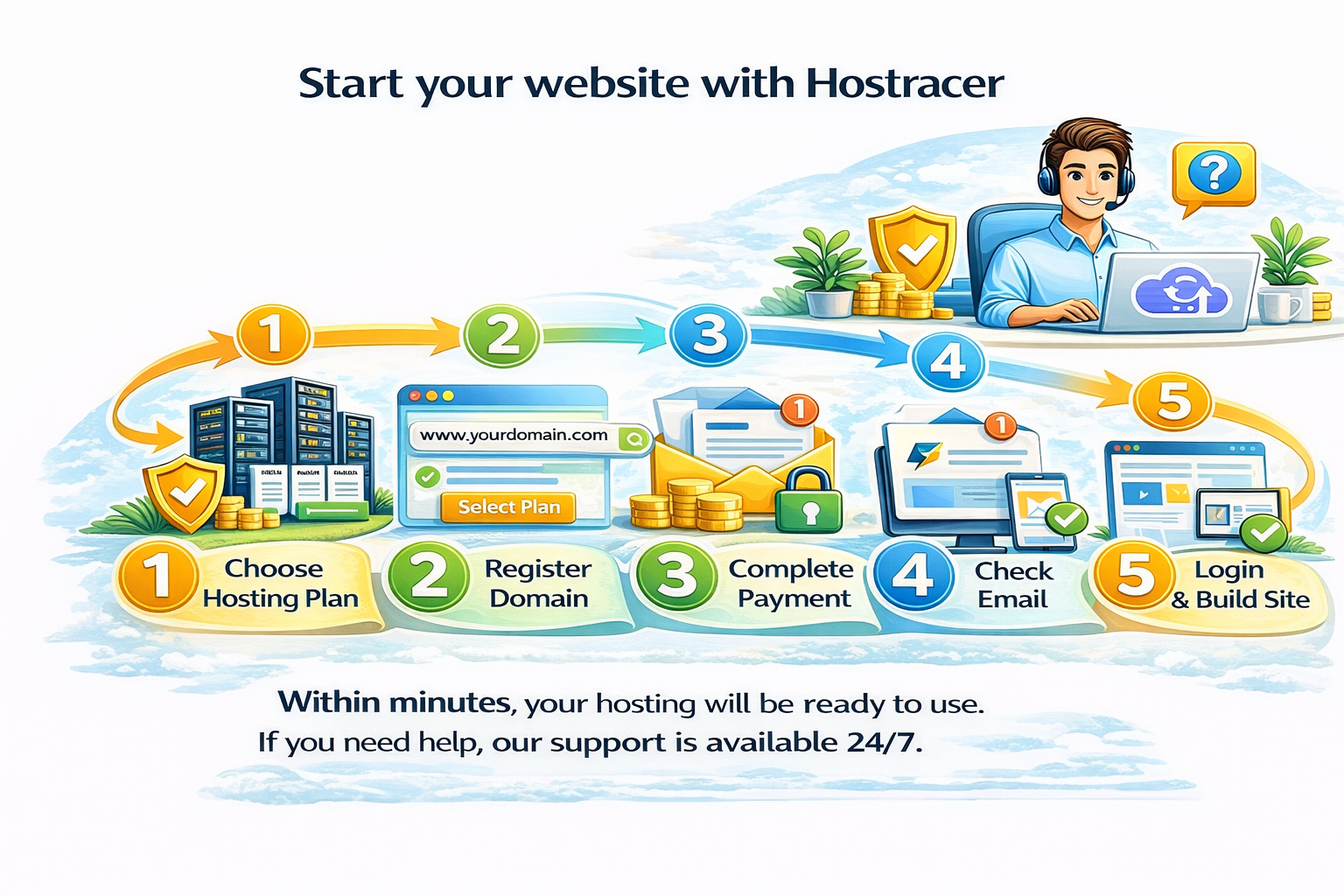
How to Get Started with Hostracer (Step-by-Step Guide)


Starting your website with Hostracer is quick and simple.

Step 1: Choose a hosting plan based on your needs
Step 2: Register a new domain or use your existing one
Step 3: Complete your payment securely
Step 4: Check your email for account details
Step 5: Login to your control panel and start building your website

Within minutes, your hosting will be ready to use.

If you need help at any step, Hostracer support is always available.
  • hostracer guide, how to start website, start hosting, hosting setup guide, beginner hosting steps
  • 0 Users Found This Useful
Was this answer helpful?

Related Articles

What is Web Hosting? A Beginner-Friendly Guide

If you want to create a website, the first thing you need is web hosting. Web hosting is a...

What is a Domain Name and Why is it Important?

A domain name is the address of your website that people type in their browser to visit your...

Difference Between Domain and Hosting (Easy Explanation)

Many beginners get confused between domain and hosting, but they are different. Domain:This is...

How to Choose the Right Hosting Plan for Your Website

Choosing the right hosting plan is important for your website’s performance and growth. Here are...